Optimise orientation
Powerful algorithms generate an ideal build orientation based on your criteria: support angle, support area, support volume and build height. Sliders and visual graphs keep you in control.

Streamline your CAD-to-print workflow on one platform.
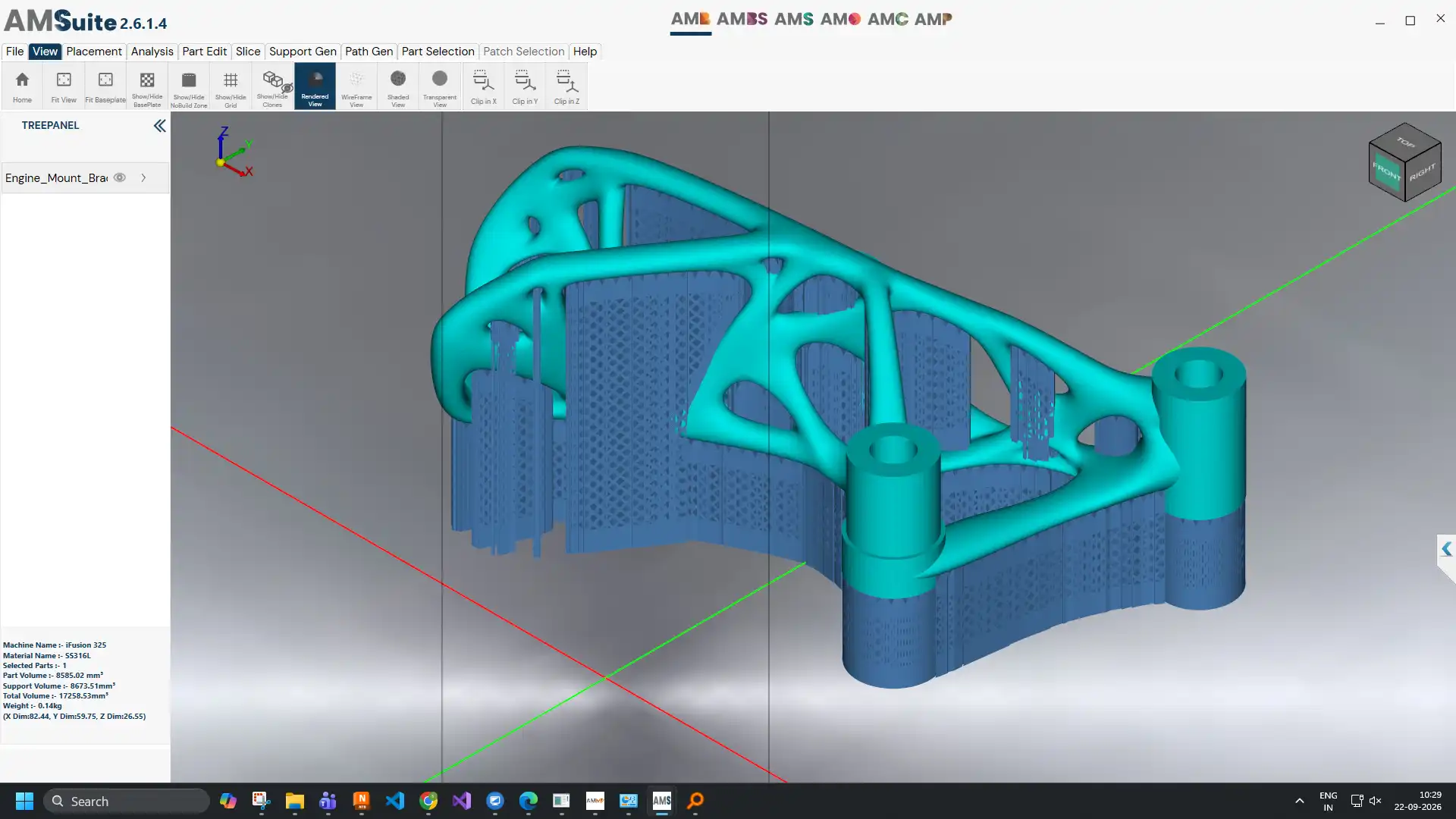
AM Builder is the complete LPBF build preparation engine: one intuitive platform for mesh repair, nesting, orientation, support generation, slicing and path planning, with an extensible plugin architecture that grows with your production needs.
It is compatible with LPBF metal 3D printers across the market, and its guided workflow makes it one of the fastest tools for smart data preparation.
Automatically detects and fixes non-manifold edges, holes and inverted normals before any prep step runs.
Packs multiple parts onto the build plate, optimising for plate utilisation, part clearance and recoater travel direction.
Scores candidate build orientations by overhang area, support volume and build time, then recommends the lowest-cost option.
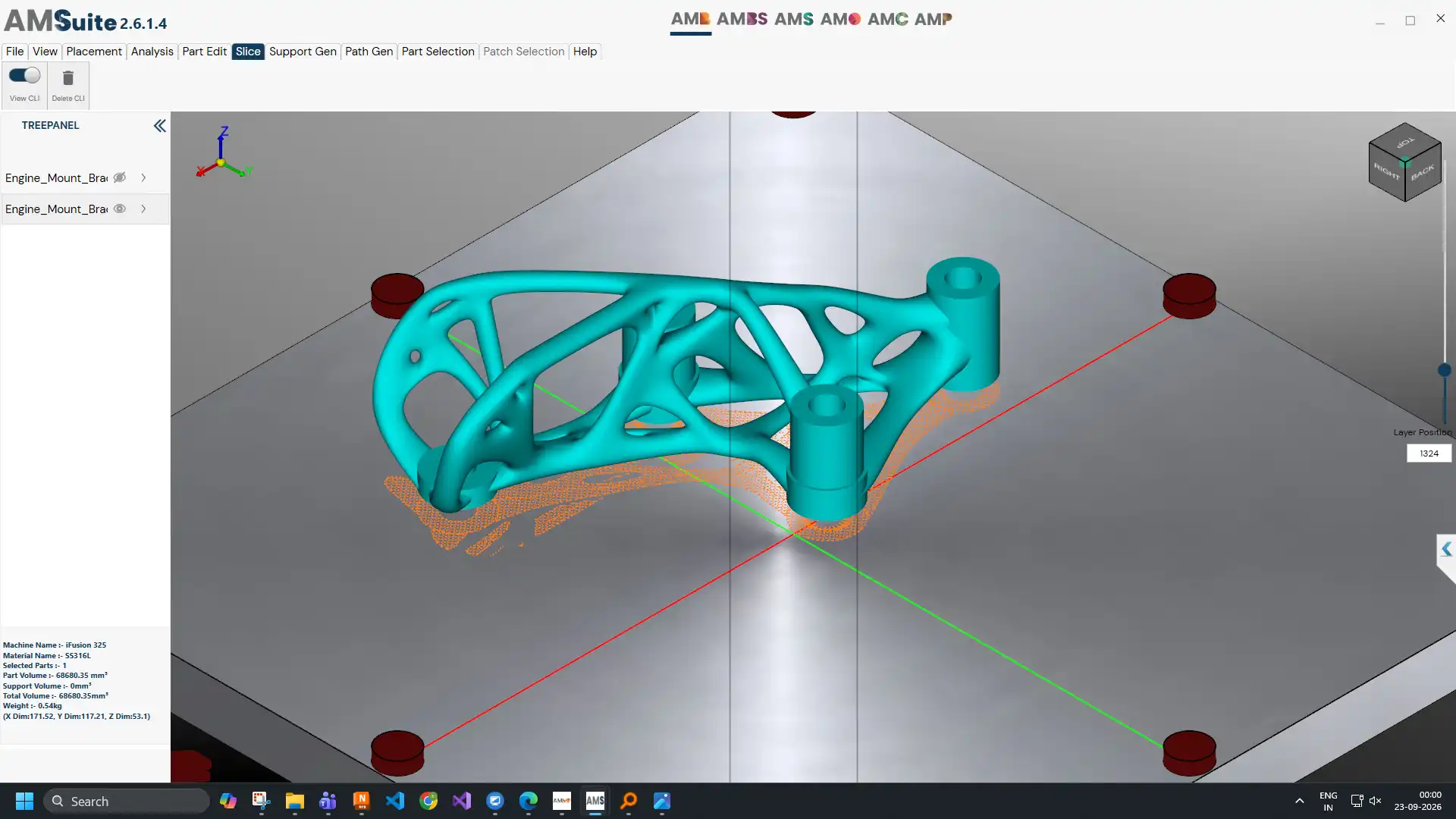
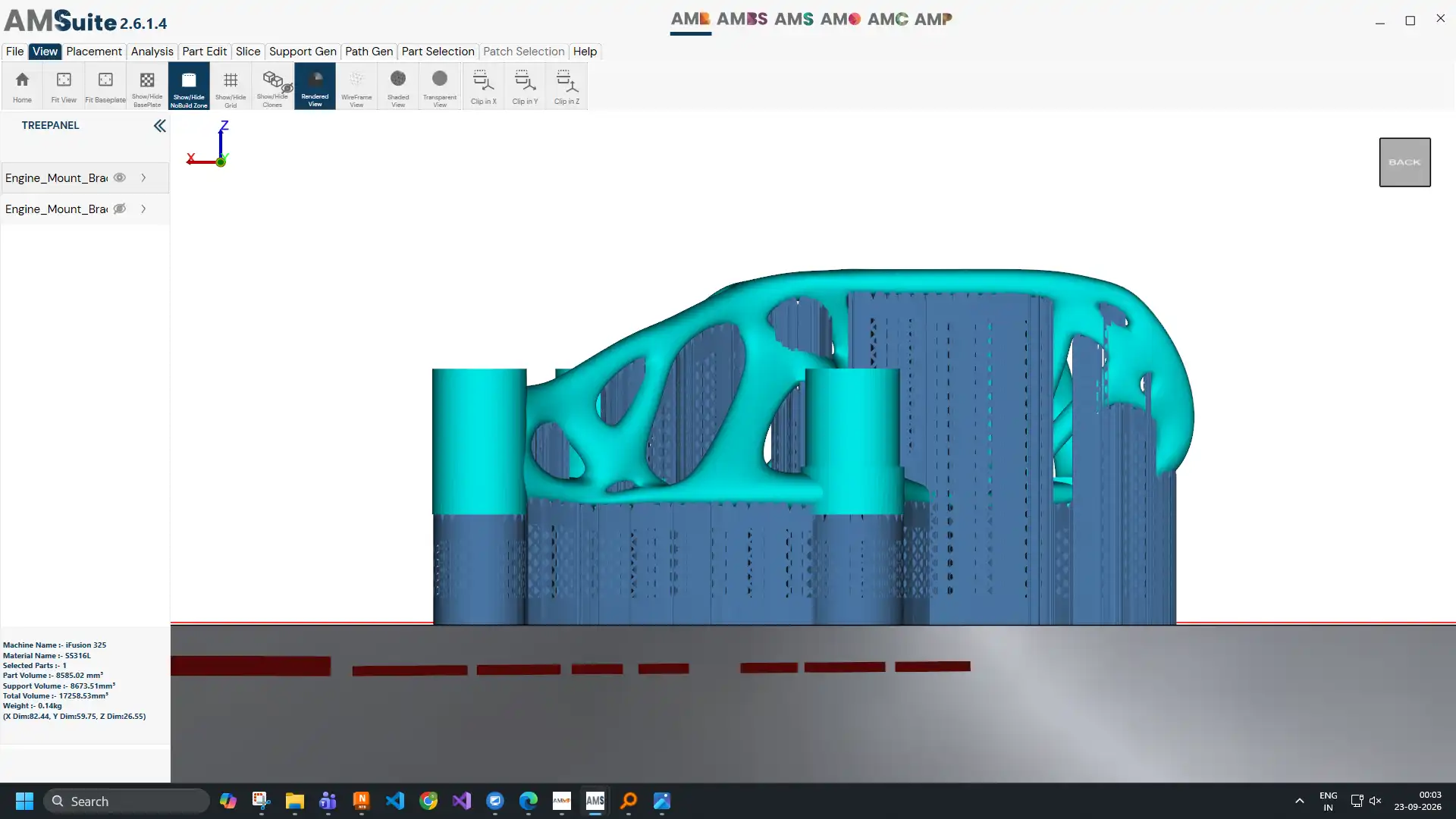
Places supports only where overhang angle and thermal mass require them, then computes laser scan vectors and layer sequencing ready for the machine.
Powerful algorithms generate an ideal build orientation based on your criteria: support angle, support area, support volume and build height. Sliders and visual graphs keep you in control.
Automatically generates the right type of support once a part is oriented, reducing post-processing time.
A fast, robust slicer and path generator.
Send prepared builds to AM Simulation to predict thermal and mechanical distortion, and apply pre-compensation before printing. Pair with AM BuildSmart for minimal-support builds on iFusion machines.
“Our team is very pleased with the performance of iFusion LPBF 3D printer along with build processing software AM Builder and parameter generation and optimization software AM OptoMet from your company.”Murugaiyan Amirthalingam, PhD, Head, Joining and Additive Manufacturing Laboratory, IIT Madras
AM Builder is one of the connected products in AMSuite, Intech's software ecosystem for the complete metal AM workflow.