Zones from results
Result fields are thresholded into zones on the part itself, so the lattice layout follows the physics rather than a designer's judgement of where load is carried.

Lightweight, high-strength AM designs without specialist effort.
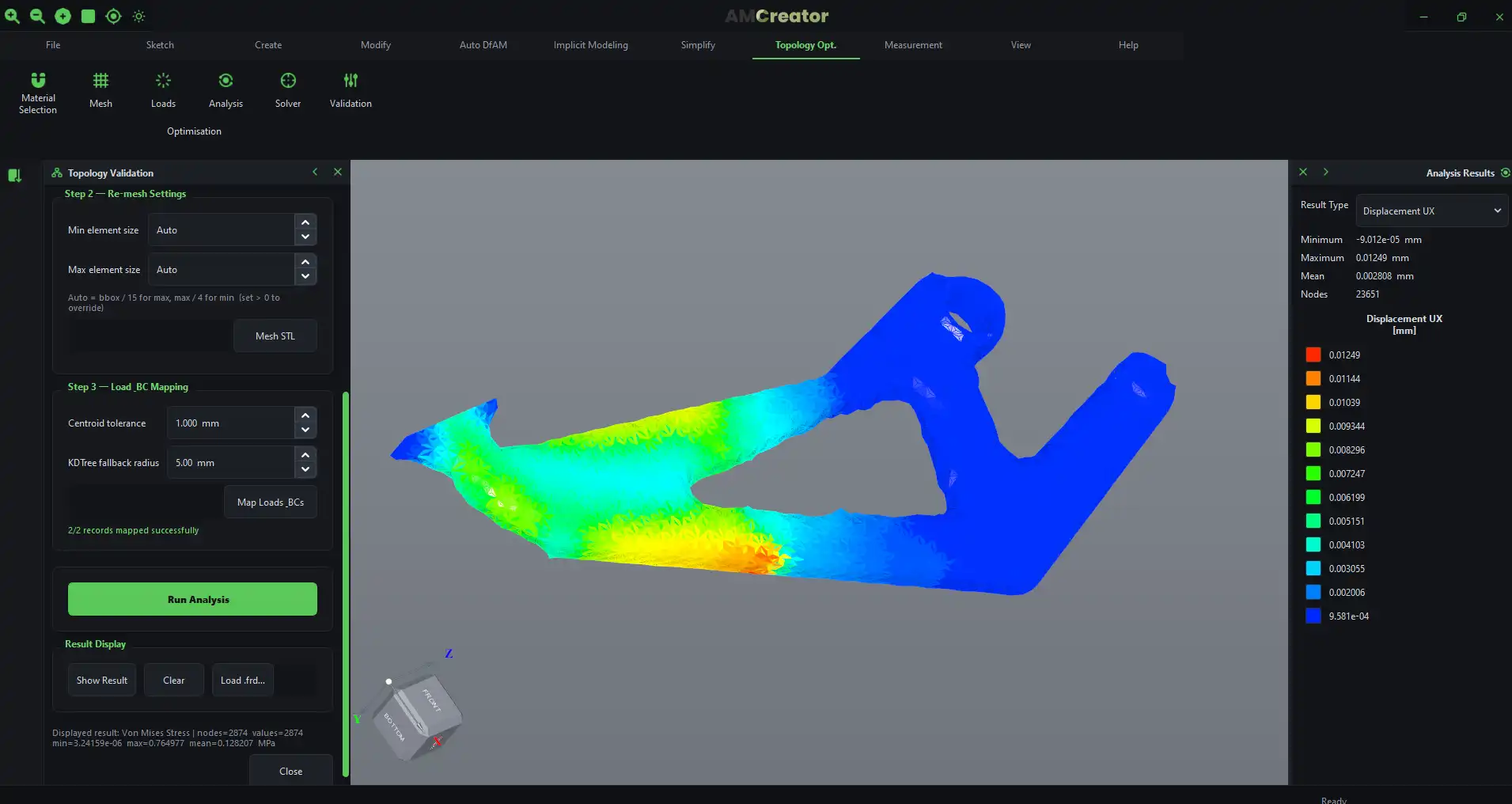
AM Creator brings lattice structures, topology optimisation and direct STP modification together in one tool, so engineers without specialist lattice or topology expertise can generate lightweight, high-strength, AM-ready designs in a fraction of the time manual iteration takes.
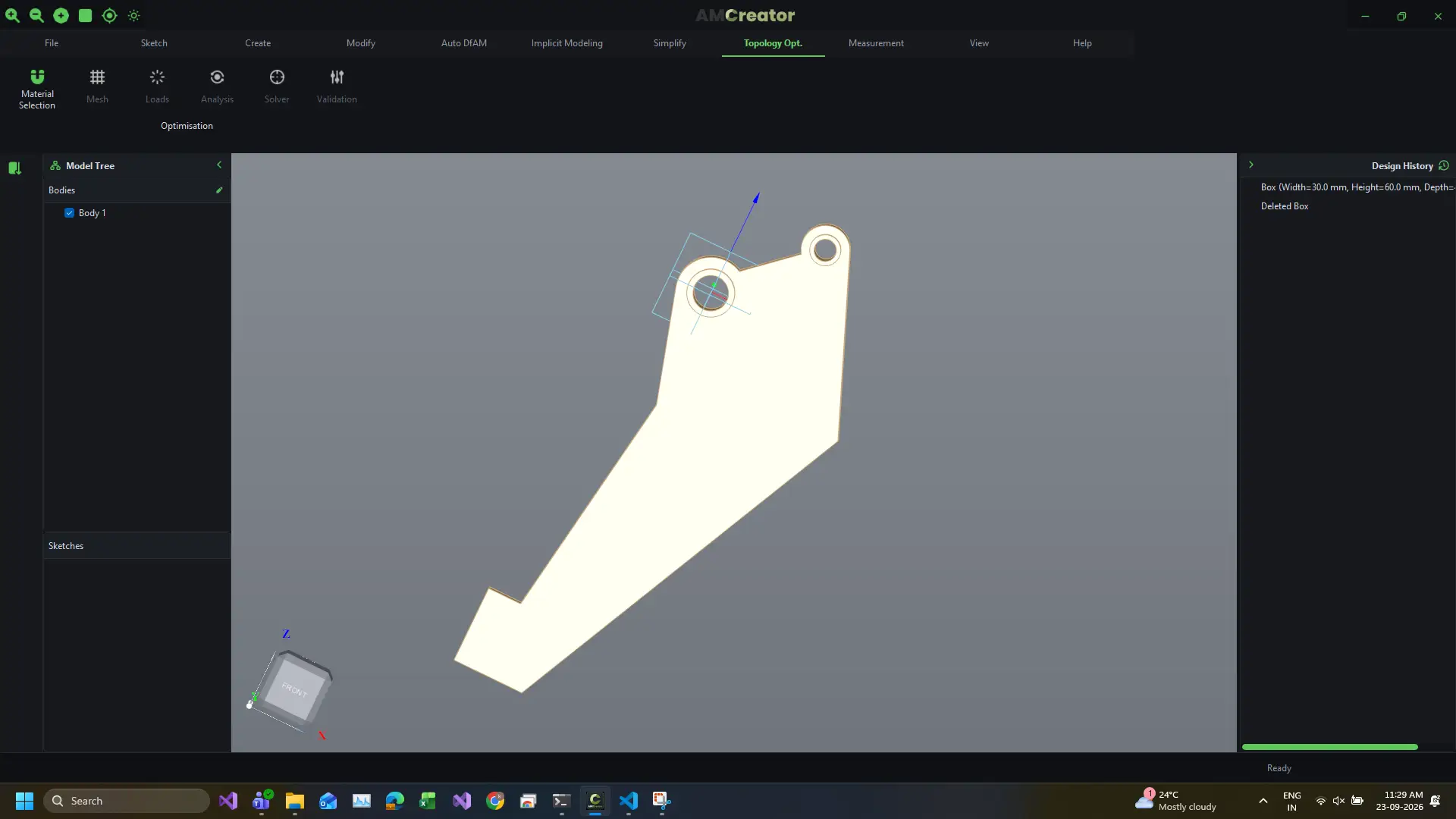
Bring in a native STP/STEP file and define load cases, keep-out zones and a target mass reduction.
The topology engine redistributes material within the design envelope to meet stiffness and strength targets at minimum mass, respecting self-supporting angles and minimum feature size.
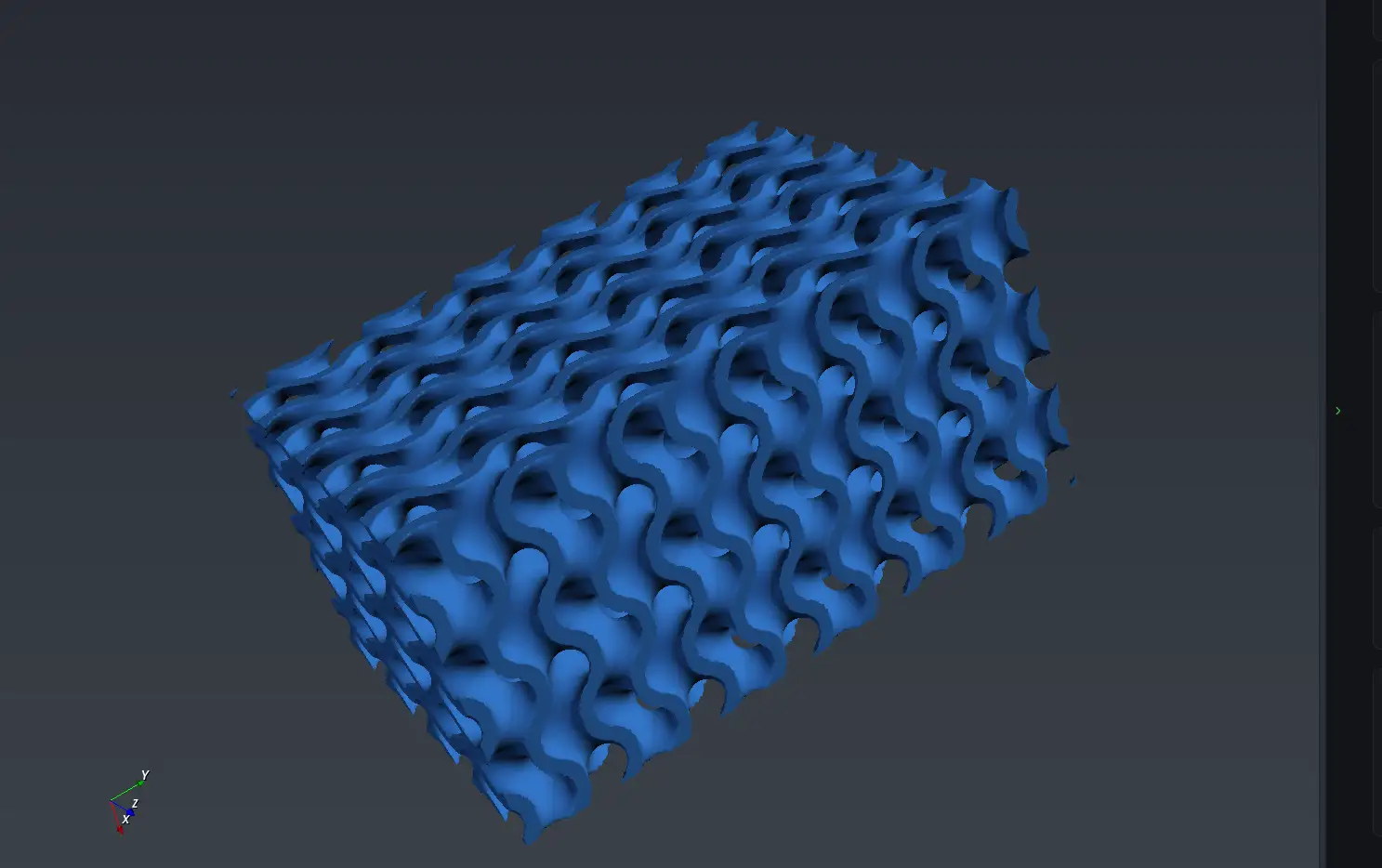
Fill shells or volumes with TPMS, strut-based or your own custom cells using implicit modelling, so cell size, wall thickness and density grading can be edited instantly. Where simulation results exist, the lattice follows them zone by zone.
Every design is checked for AM-readiness (no isolated islands, no unsupported overhangs) before exporting straight into AM Builder or AM Simulation.
Let the analysis decide where the lattice goes.
A uniform lattice treats every region of a part the same way. Real parts are not loaded that way: stress concentrates along load paths and around fixings, while large volumes carry very little. Simulation-inspired design removes the guesswork by building the lattice from analysis data instead of an estimate.
AM Creator takes results from AM Simulation or your existing FEA solver, maps the result field onto the part, and divides the model into zones. Each zone is then given its own lattice: denser cells or solid material along the load path, coarse lightweight infill where the part is doing little work, and smooth grading across the boundaries in between.
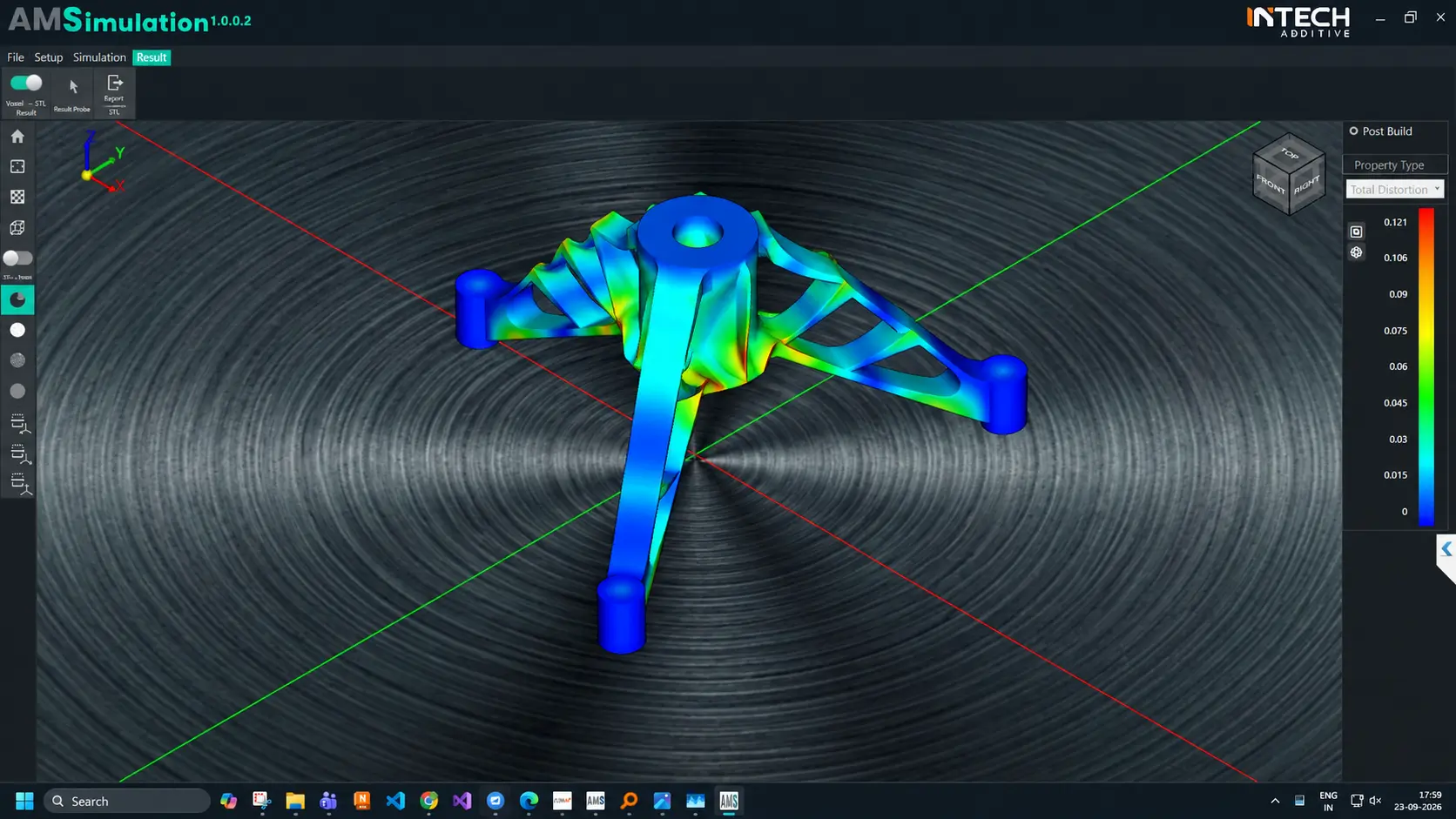
Result fields are thresholded into zones on the part itself, so the lattice layout follows the physics rather than a designer's judgement of where load is carried.
Cell size, wall thickness and strut diameter vary continuously between zones, avoiding abrupt changes in stiffness that act as stress raisers.
Automatic zoning is a starting point. Thresholds, zone boundaries and the lattice assigned to each zone can all be adjusted by hand.
The regenerated model exports straight back to AM Simulation, so every iteration is checked against the same analysis that shaped it.
Build your own cell, then use it anywhere.
AM Creator ships with a library of standard cells: body-centred and face-centred cubic, octet, honeycomb, and TPMS families such as gyroid and diamond. When an application needs something the library does not cover, you can define the cell yourself.
A custom cell is built from its struts, surfaces or an imported CAD body, with its own parameters for cell size, strut diameter, wall thickness and node blending. Once saved, it behaves exactly like a built-in cell: it tessellates, grades, conforms to the part surface, and can be used inside simulation-driven zones.
Build a cell from struts, surfaces or an imported CAD body, and decide which of its dimensions stay parametric.
Custom cells are stored alongside the built-in ones, so a cell developed for one part is available to the next.
Custom cells tessellate, grade and conform to part surfaces exactly as the standard TPMS and strut cells do.
Minimum feature size and self-supporting angle are checked against your process, so a custom cell stays printable.
AM Creator is one of the connected products in AM Suite, Intech's software ecosystem for the complete metal AM workflow.