Reimagining
how parts are created.
From idea, image or STL to production-ready CAD in hours.
- Text prompt input
- Reference image input
- Sample STL input
- Editable parametric CAD
INTRODUCTION.
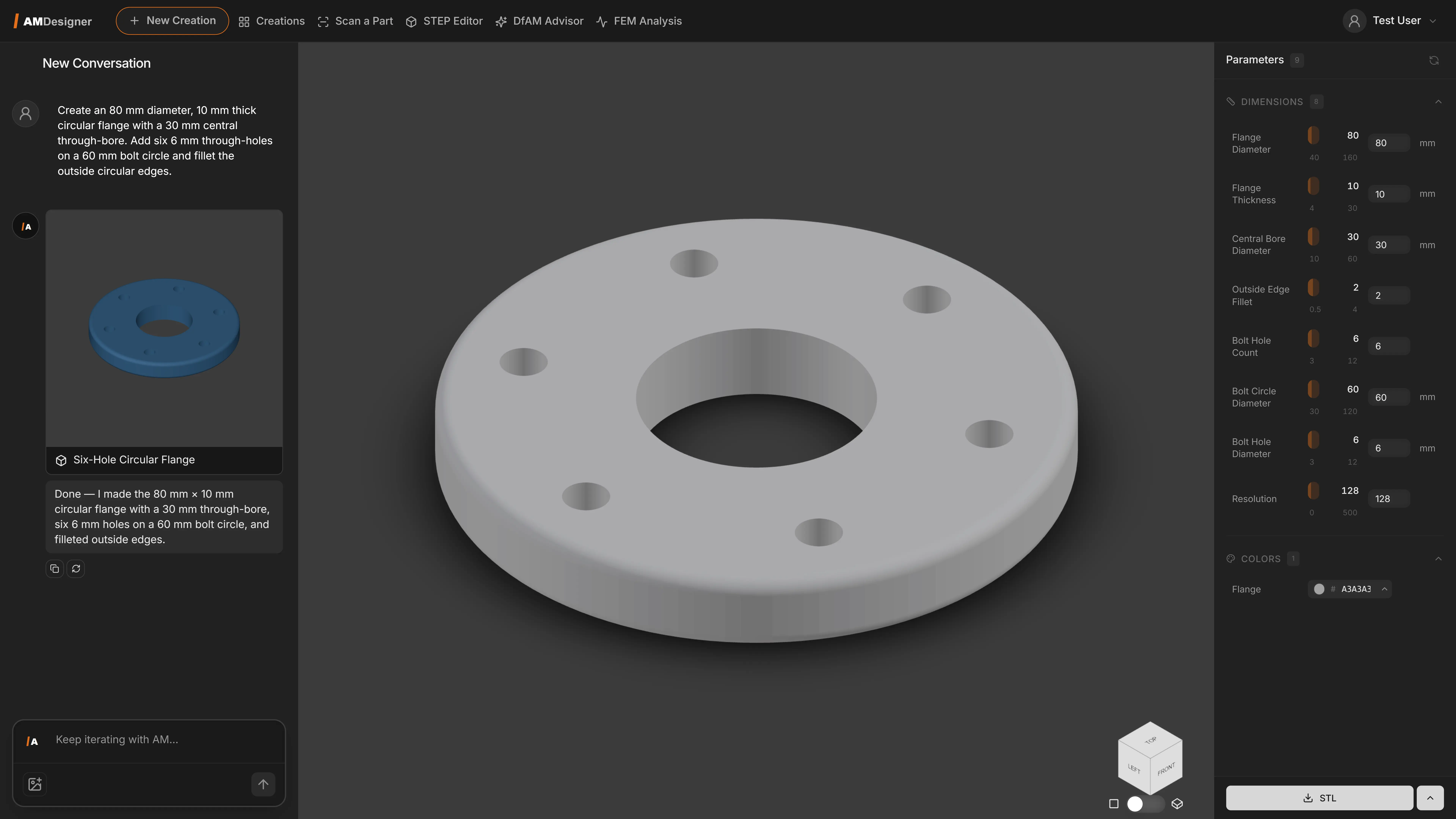
Generate parametric CAD files from text prompts, reference images or sample STL files. AM Designer accelerates concept-to-production with AI-driven parametric design output, cutting design cycle time from weeks to hours.
The output is a true parametric model, not a static mesh, with dimensions you can edit directly.
- Three ways to start: prompt, image or STL
- Editable dimensions instead of a frozen mesh
- Multiple design variants generated in parallel
- Export to standard CAD formats, including into AM Creator
KEY FEATURES.
WHY AM DESIGNER.
The challenge
- Traditional CAD modelling is slow and requires deep expertise
- Iterating on design concepts takes weeks of manual CAD rework
How AM Designer helps
- Generate production-ready parametric CAD from simple inputs
- Reduce design cycle time from weeks to hours with AI-assisted workflows
HOW IT WORKS.
-
Describe
Start from a text prompt, a reference image, or a sample STL file.
-
Generate
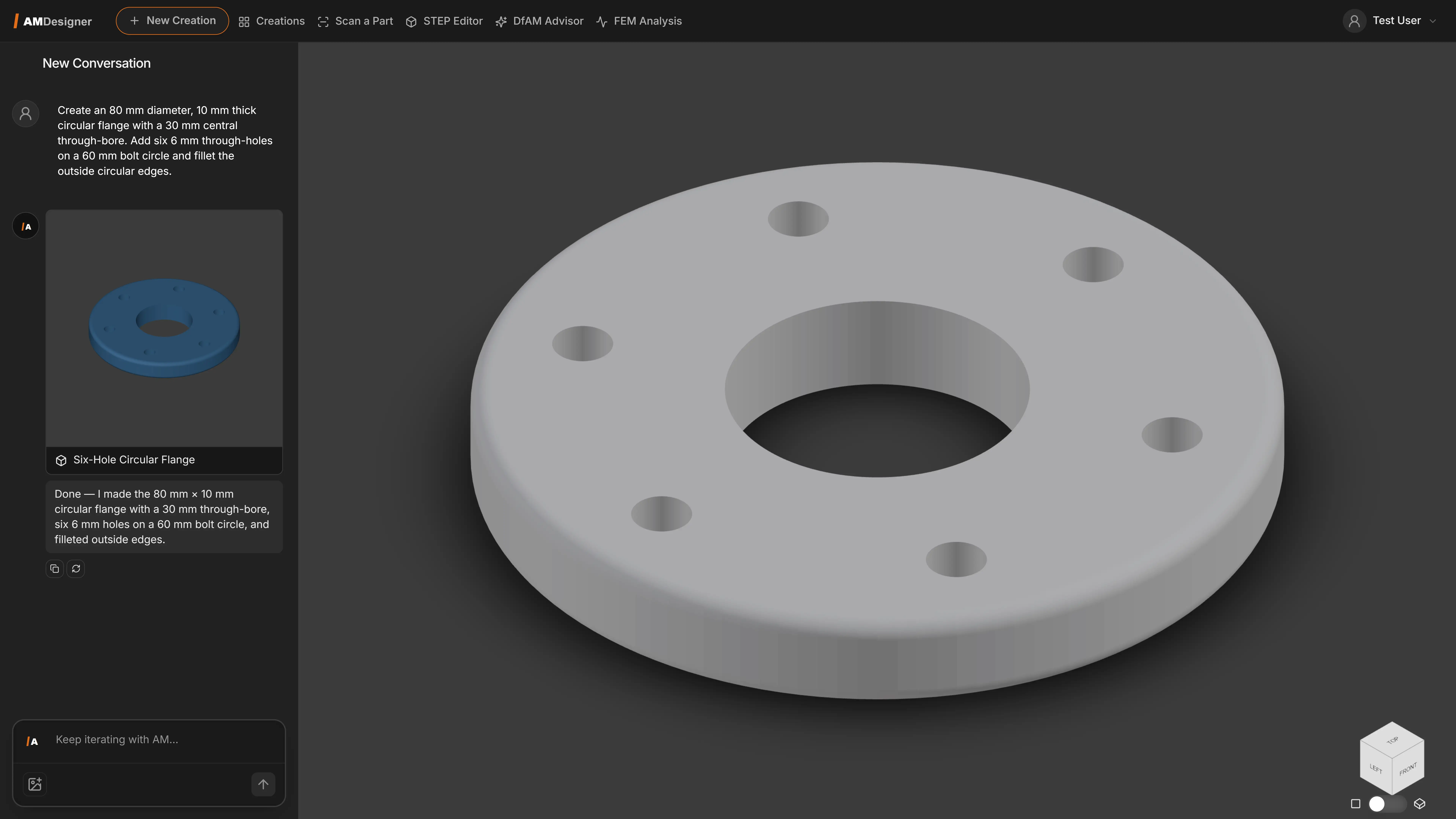
AM Designer interprets your input into a true parametric CAD model, with dimensions you can edit directly.
-
Compare
Multiple design variants are generated in parallel so you can evaluate options before committing.
-
Export
The parametric model exports to standard CAD formats for further editing, including straight into AM Creator for lattice or topology refinement.
IN THE SOFTWARE.
CONNECTED IN AM SUITE.
AM Designer is one of the connected products in AM Suite, Intech's software ecosystem for the complete metal AM workflow.